GoBD compliant time tracking software that records who changed a time entry, when, and what it said before.
In a spreadsheet, a removed row is simply gone, and nobody can say what was there or who took it out.
When the Steuerprüfer asks who changed an entry from 8 to 6 hours, the answer is a shrug.
Without a record of changes, a client can question any number on the timesheet and you have nothing to show.
Hours corrected just before invoicing look exactly like hours logged on the day.
Your consultants log time as usual. The record of changes builds up on its own.
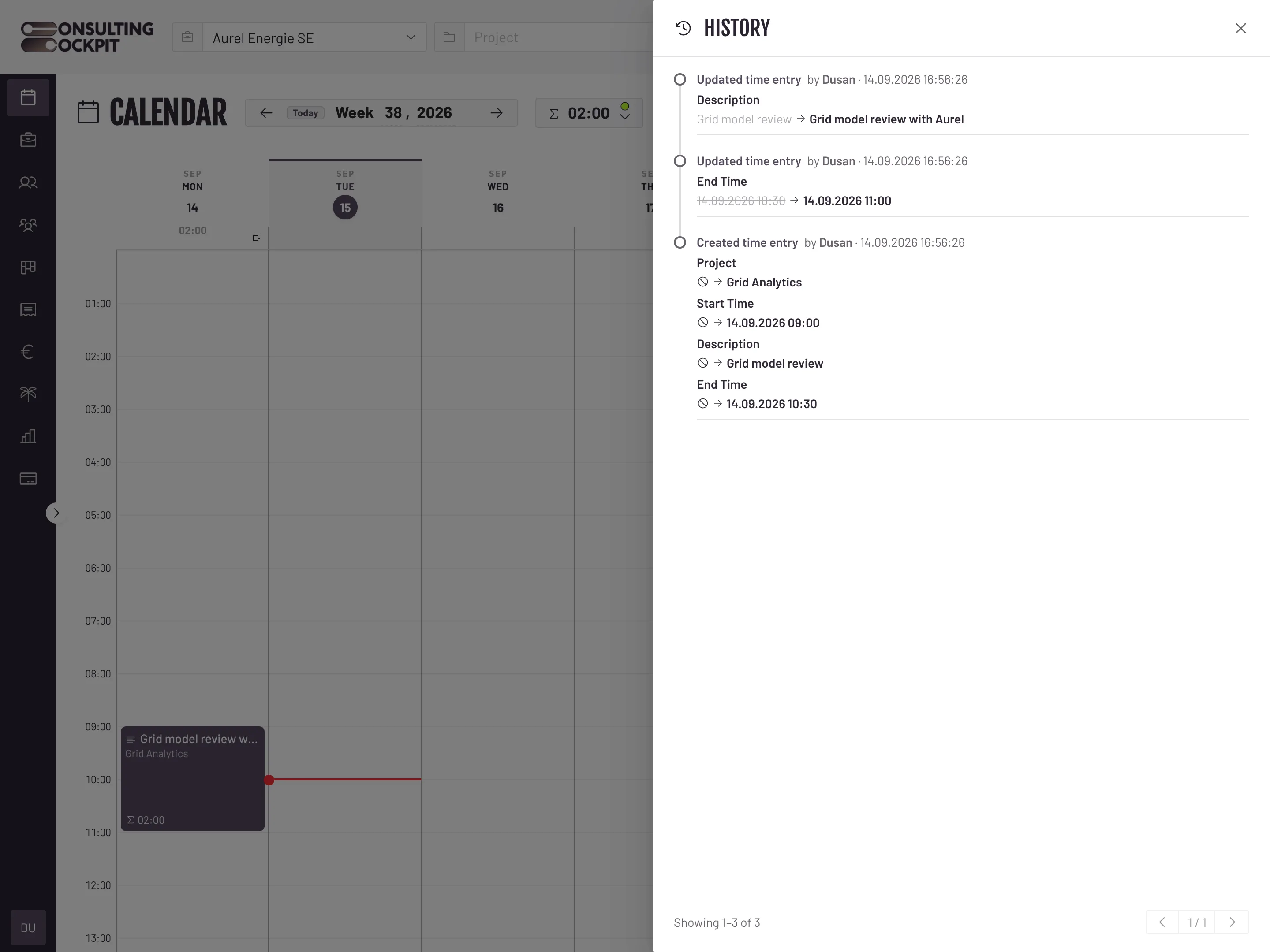
Creating, editing, splitting, copying or deleting a time entry writes a record with the person, the exact time and the old and new values.
Click the history icon on any time entry in the calendar. The History panel opens next to the entry.
Each change is written as a sentence, with the old value struck through next to the new one, plus who made it and when.
Entries edited many times load their history page by page, so the panel stays quick to read.
The cases that usually break a time record are covered.
A deletion is recorded as its own event, with the values the entry had before it was removed.
The product only shows history. There is no button, screen or setting that changes or removes a log entry.
Role changes, member removals and reactivations, and holiday allowance corrections are recorded with actor and timestamp.
When one entry is split or copied, the new entries are logged, so the hours can be followed from one record to the next.
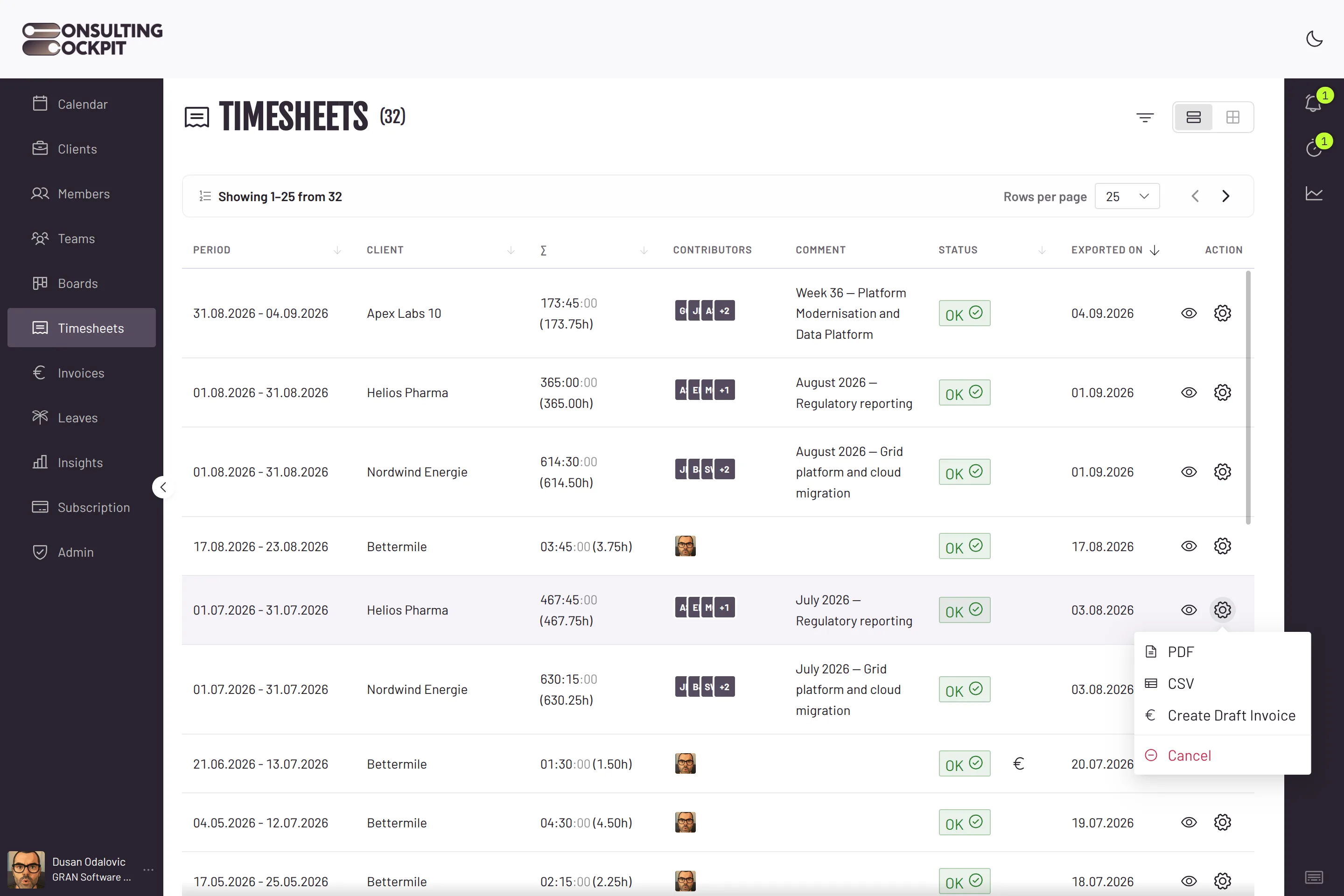
The same recorded hours flow into your invoices without re-typing, and where those records live is a European question of its own, see Timesheet to Invoice and European Sovereign Software
Real screens from the product — swipe or use the arrows.
No, and we do not claim a certificate. Consulting Cockpit supports your GoBD obligations by keeping a complete, attributable history of every change to your time entries.
The deletion is recorded with the person, the exact time and the values the entry had. The hours disappear from the calendar, but not from the history.
Creating, editing, splitting, copying and deleting time entries, plus team role changes, member removals and reactivations, and holiday allowance corrections.
Not from inside the product. The app only reads the history; there is no way to alter or remove a log entry.
Open the entry in the calendar and click the history icon in the drawer header. The changes are listed in plain words, newest first.
Track time with a full audit trail from the first entry. Free for 30 days.