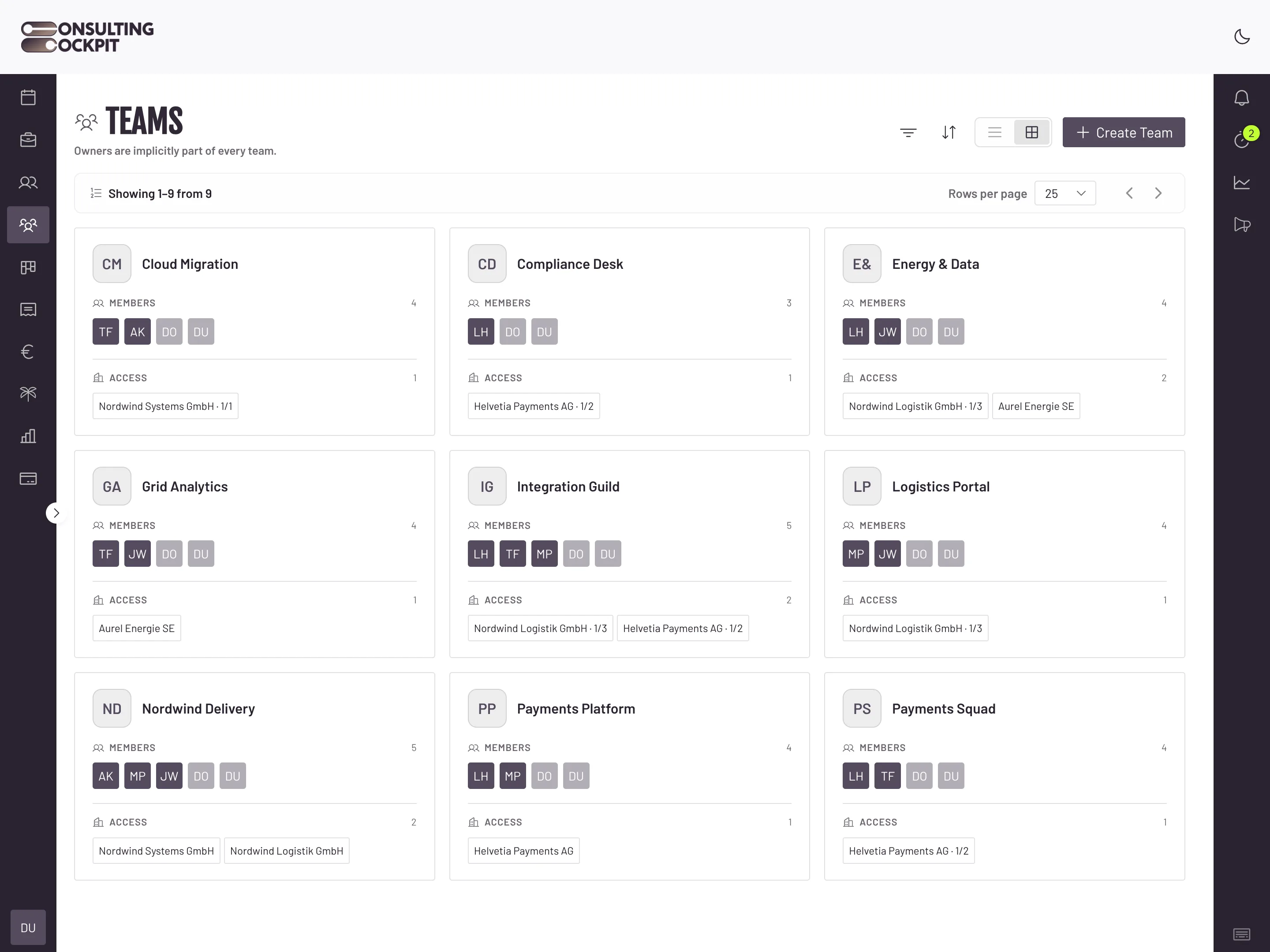
Group consultants into teams and tick the clients or projects each team works on. Nothing else appears for them, and they book time only where they are staffed.
A junior on one project can scroll through every client and project your firm has, including the ones you would rather keep quiet.
When every project is open to everyone, one misclick books a day to another client's budget and you find it at invoicing.
Someone leaves the firm and stays in half a dozen shared folders and project lists because nobody remembered them all.
A client asks who worked on their project, and there is no record of who was added to the team, when, or by whom.
Owners set it up once. Members only see the work they are staffed on.
Owners invite colleagues by email and full name. Members and pending invitations both use seats, shown as "7/10 slots" on the Members screen.
Only owners create, rename and delete teams, and pick who is in each one. Owners are part of every team automatically and always see every client.
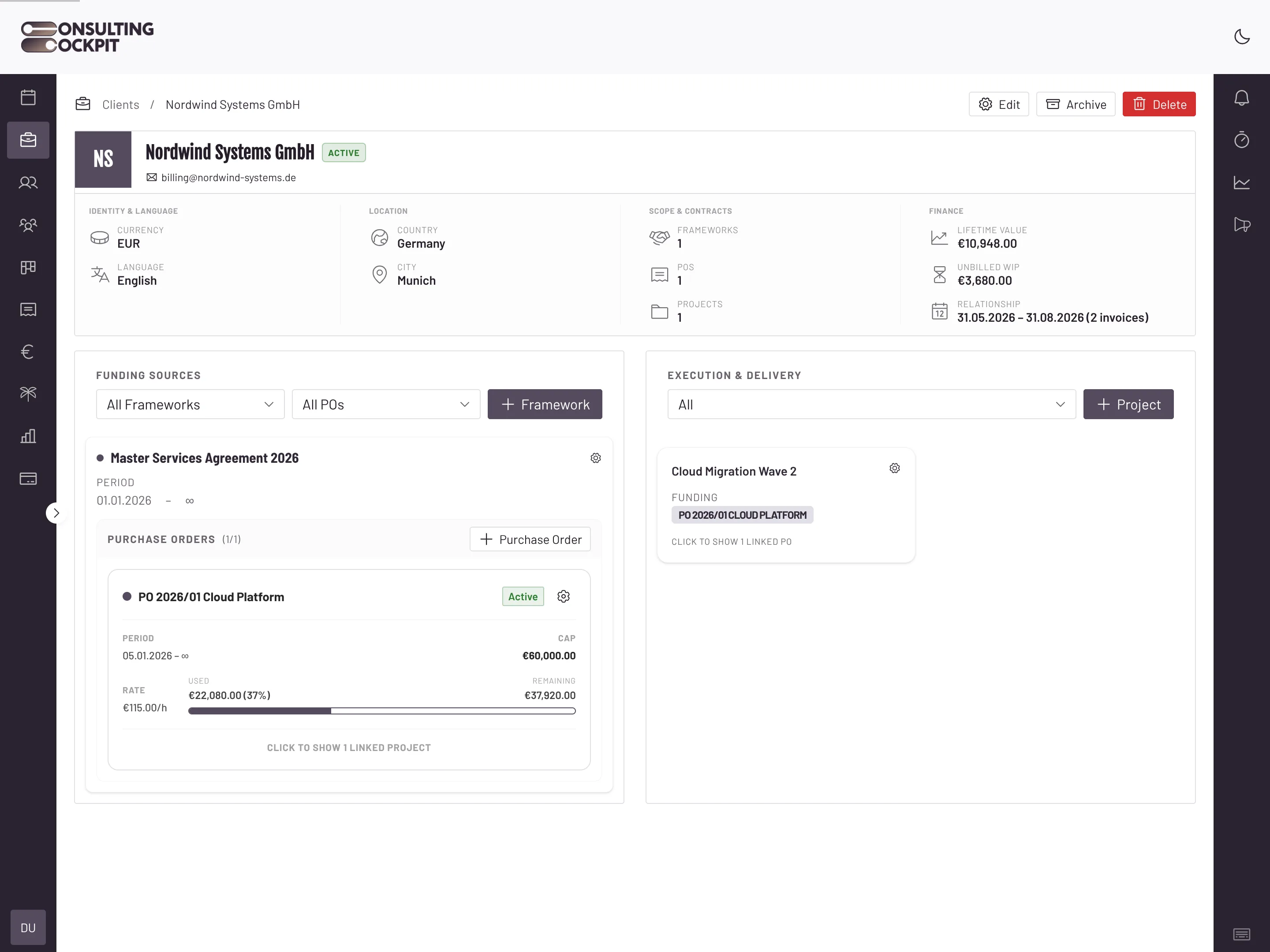
Choose a team's access from a tree of clients and projects. Tick a whole client and the team gets every project under it, including ones you add later. Tick single projects and the team gets only those.
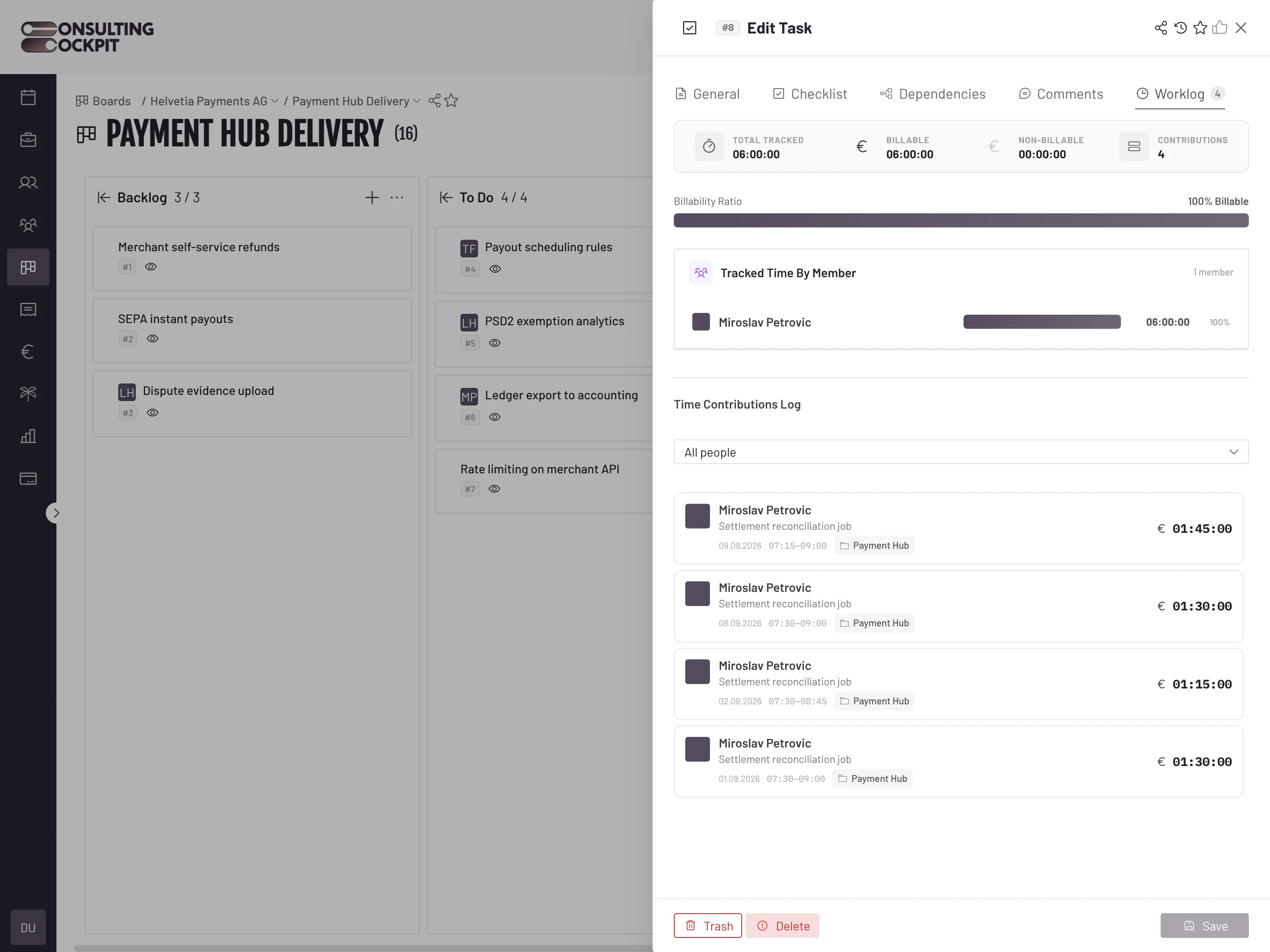
Members see only the clients, projects and teammates their teams cover. They can book time only to those projects and can open boards and tasks only for those clients. Other clients never appear for them.
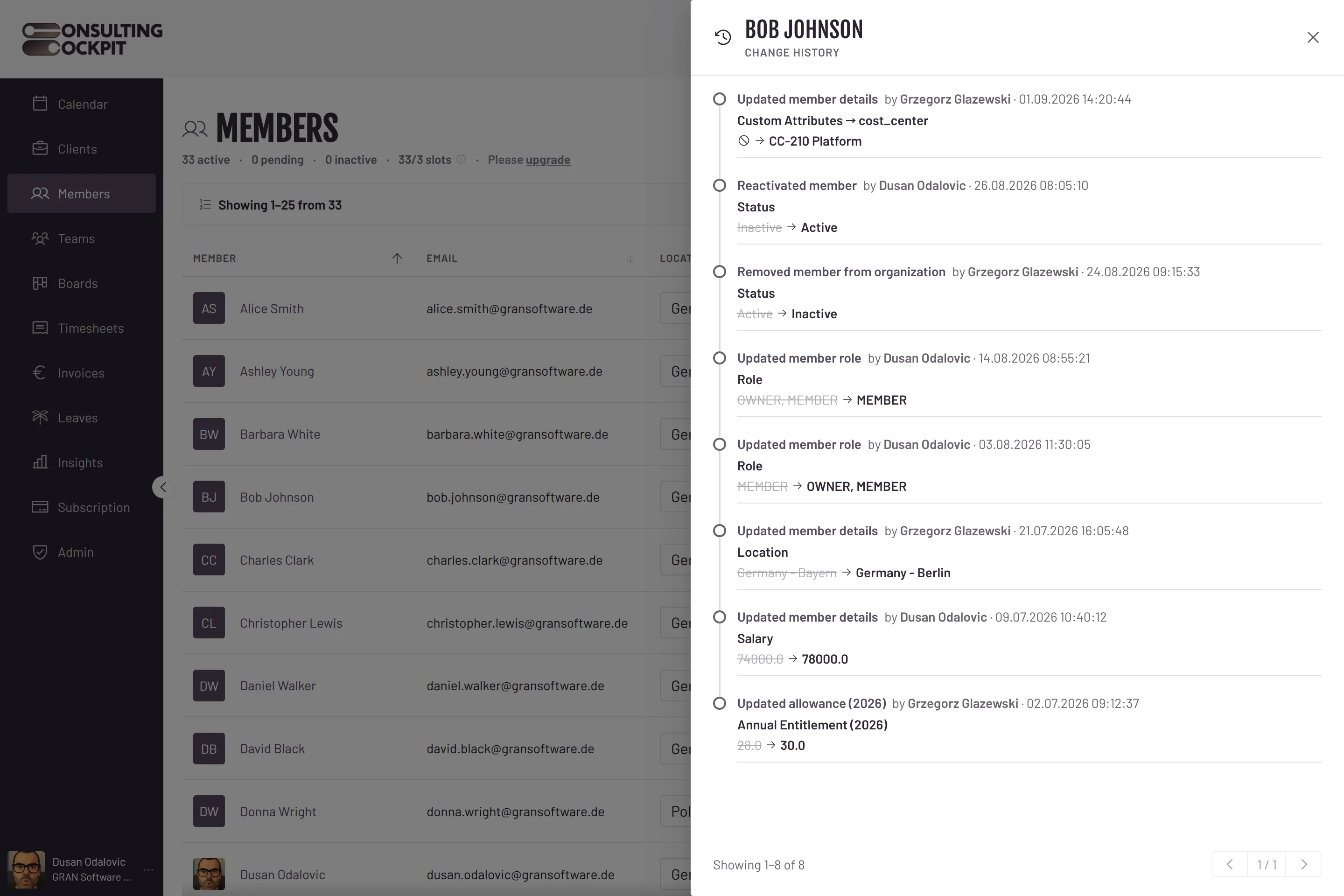
Each team keeps a Membership History: when each person was in the team, who added them and who removed them. You can filter it by Active, Inactive or by member.
The awkward cases are covered, so you don't have to remember them.
Members can see the clients and projects they are staffed on, but the client and project forms are locked for them. Only owners can change client and project details.
Monthly timesheet reminders to a member list only the clients their teams cover. No other client names show up in their inbox.
When an owner removes someone from the organisation, all their team memberships end at once and they are signed out of Consulting Cockpit for good. They also get an email, and the removal goes into the audit log.
Pending invitations count as seats until they are accepted. Owners can withdraw an invitation to free its seat, and no more invitations can be sent once every seat is used.
Every removal is recorded next to the rest of your firm's change history, a client's boards open only for the teams that cover it, and the clients and projects you grant are set up in one place, see Audit Trail for Time Tracking , Kanban Boards and Client Management
Real screens from the product — swipe or use the arrows.
No. Members see only the clients, projects and teammates their teams cover. Other clients don't show up anywhere for them.
If a team has the whole client ticked, it gets the new project straight away. If the team has only some projects ticked, an owner needs to add the new one.
Only owners. Owners can also make a member an owner, or turn an owner back into a member, on the Members screen.
No. Client and project forms are read-only for members.
Yes. Members and pending invitations together count against your seats. Withdraw an invitation to free its seat.
Remove them from the organisation and all their team memberships end at once. They are signed out for good, and the removal is recorded in the audit log.
Set up teams, tick the clients they work on, and your consultants see only their own work. Free for 30 days.