Time tracking for software development agencies that puts each hour on the right client's issue, inside that client's budget, and onto the next invoice.
A developer working across three client codebases books Tuesday's fix to whichever project was open, and nobody notices until the client queries the invoice.
The purchase order was nearly spent, nobody saw it coming, and the hours past the cap turn into an awkward conversation or a write-off.
Billable hours sit in spreadsheets and chat threads, and at month end nobody can say how much finished work is still unbilled for each client.
"Bugfixing, 6h" gives the client nothing to verify, so disputed hours turn into discounts.
Each repository belongs to one client, so every hour tracked against an issue knows whose budget and whose invoice it goes to.
One GitHub App connection covers your whole organisation. You choose which repositories it may see and assign each repository to exactly one client.
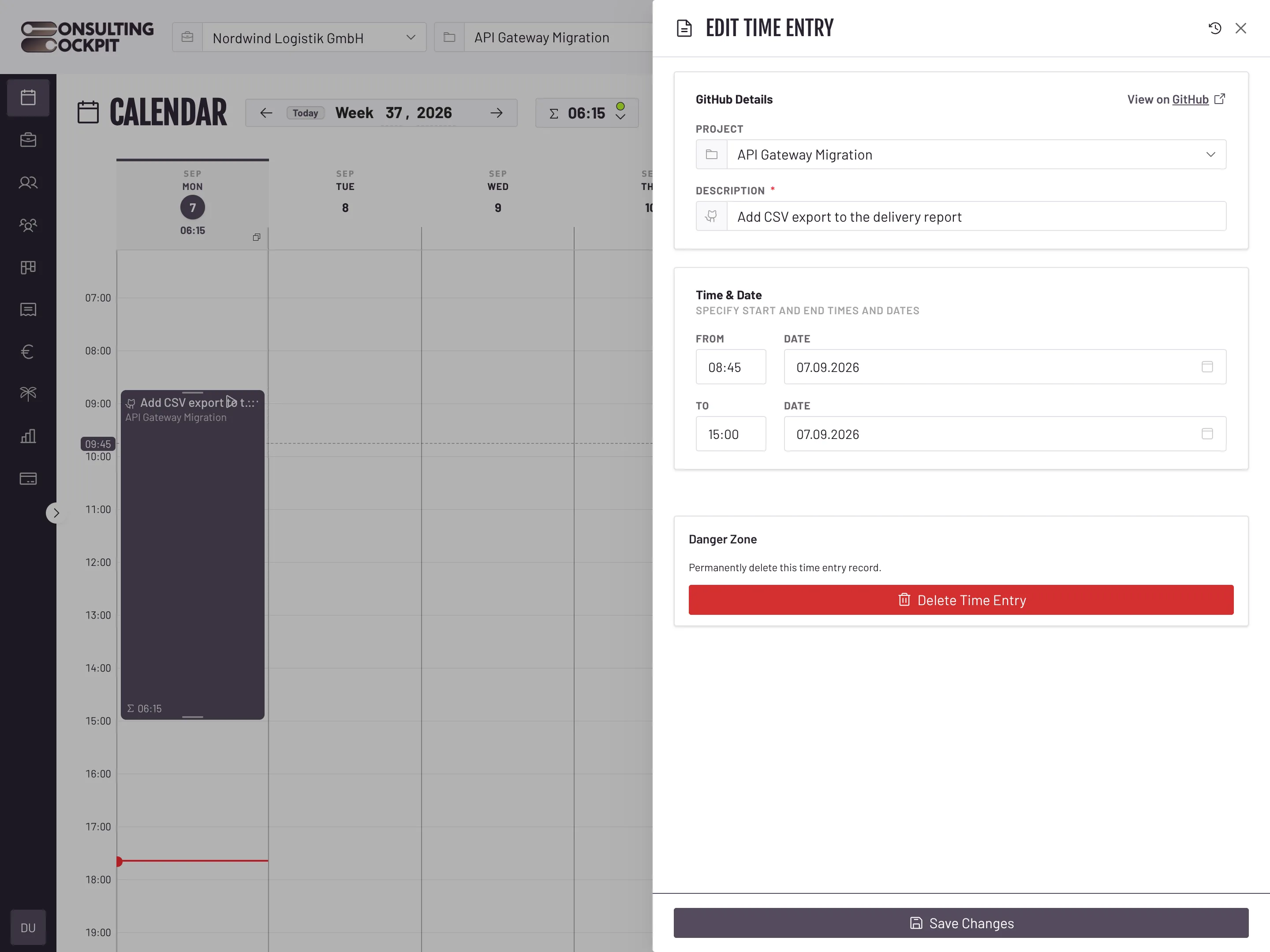
Type / in the description and the open issues of that client's repositories appear. The issue title becomes the entry description and the entry keeps a link back to the issue.
A developer switching between two clients can run a timer for each at the same time, and one action stops them all. Work that is not in GitHub goes on a Kanban board per project, with time tracked per task.
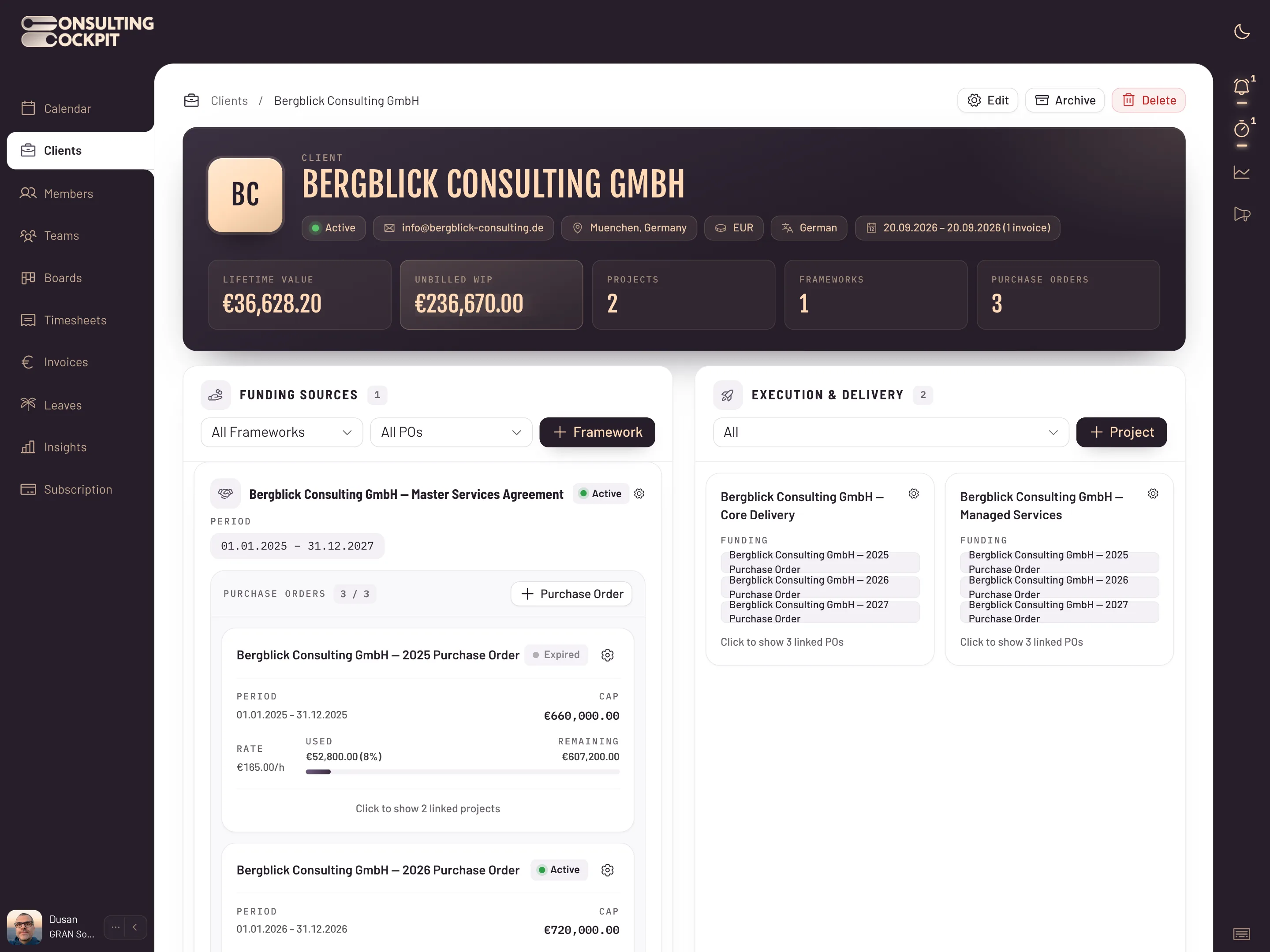
Tracked hours land on the valid purchase order under the client's framework agreement, at that order's hourly rate. The order card shows the amount consumed, the percentage and the budget remaining, and turns amber as the order nears its cap.
Pull a client's completed billable hours into a timesheet, export it as a branded PDF or CSV, and turn the timesheet into an EN 16931 e-invoice draft with one button.
The rules that keep one client's hours off another client's bill.
A repository maps to exactly one client, so an issue can only ever be billed to the client it belongs to. Only open issues are offered.
When an order's cap is used up, new hours move to the next valid order under the agreement, and nothing is billed beyond the cap.
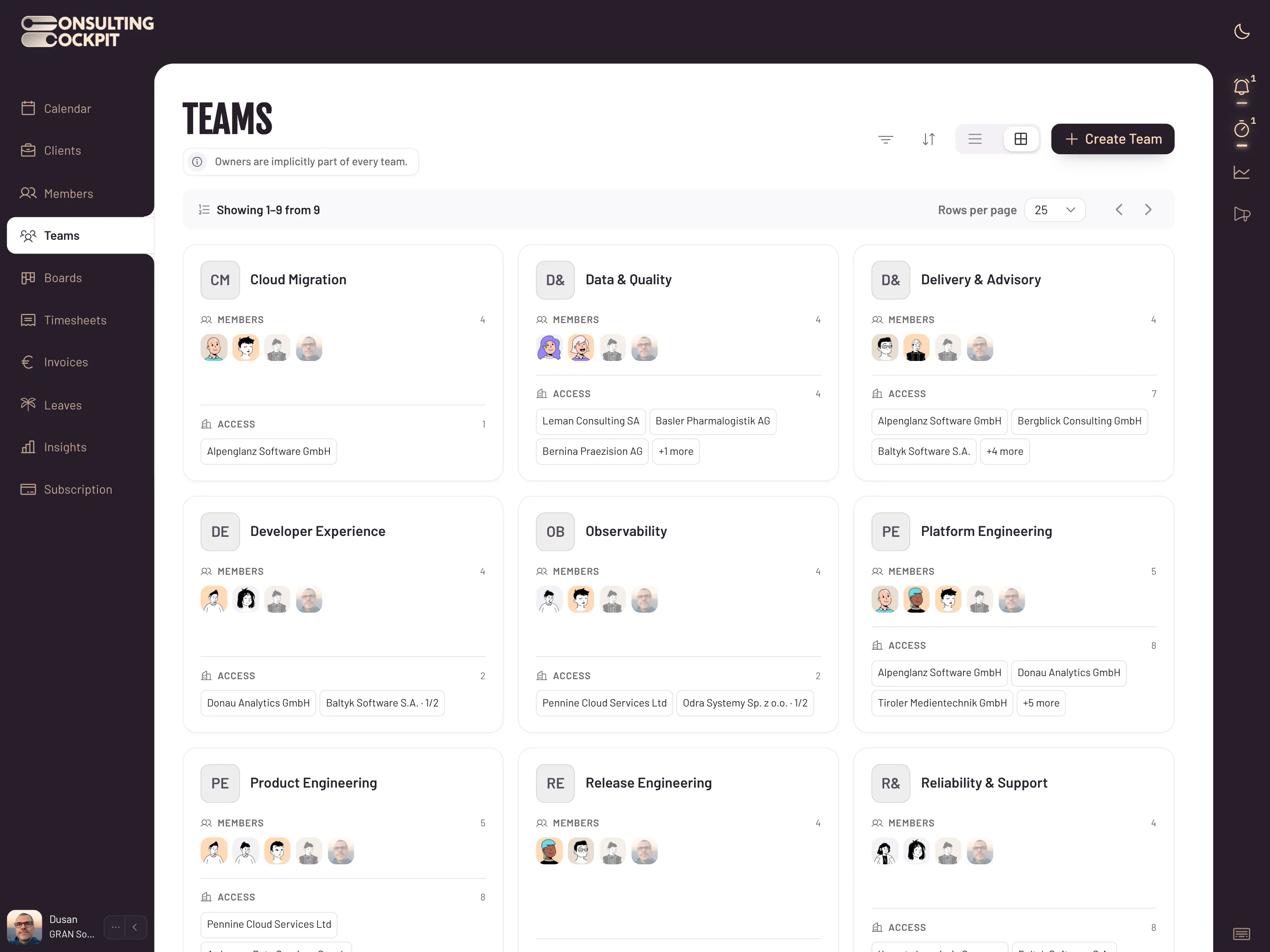
Members book time only to projects their teams cover and see only those clients. Revenue and average hourly rate in Insights stay owner-only.
Entries pulled into a timesheet lock, and every change to a time entry is kept in the audit log, so the invoice matches what the client approved.
Want the full detail on picking GitHub issues while you track, how purchase orders sit under a client's framework agreement, or drawing a week of hours straight onto the calendar? See GitHub Issues , Framework agreements and Draw Your Timesheet
Real screens from the product — swipe or use the arrows.
GitHub only, through one GitHub App connection for your organisation. Other code hosts and ticket trackers are not supported today.
Yes. Several timers can run at once, one per client, and each hour stays on its own client's purchase order.
The Client Directory shows unbilled work in progress for every client in its own currency, and you can sort clients by it to see who to invoice first.
Hours move to the next valid purchase order under the framework agreement, and once every order is used up nothing is billed beyond the cap. The order card turns amber as it nears its cap.
Timesheet PDFs print in English, German or Polish, following the client's language setting.
Yes. Insights reports utilisation, billable and non-billable hours and billability per consultant per month.
Connect GitHub, map your repositories to clients and bill the hours you already work. Free for 30 days.