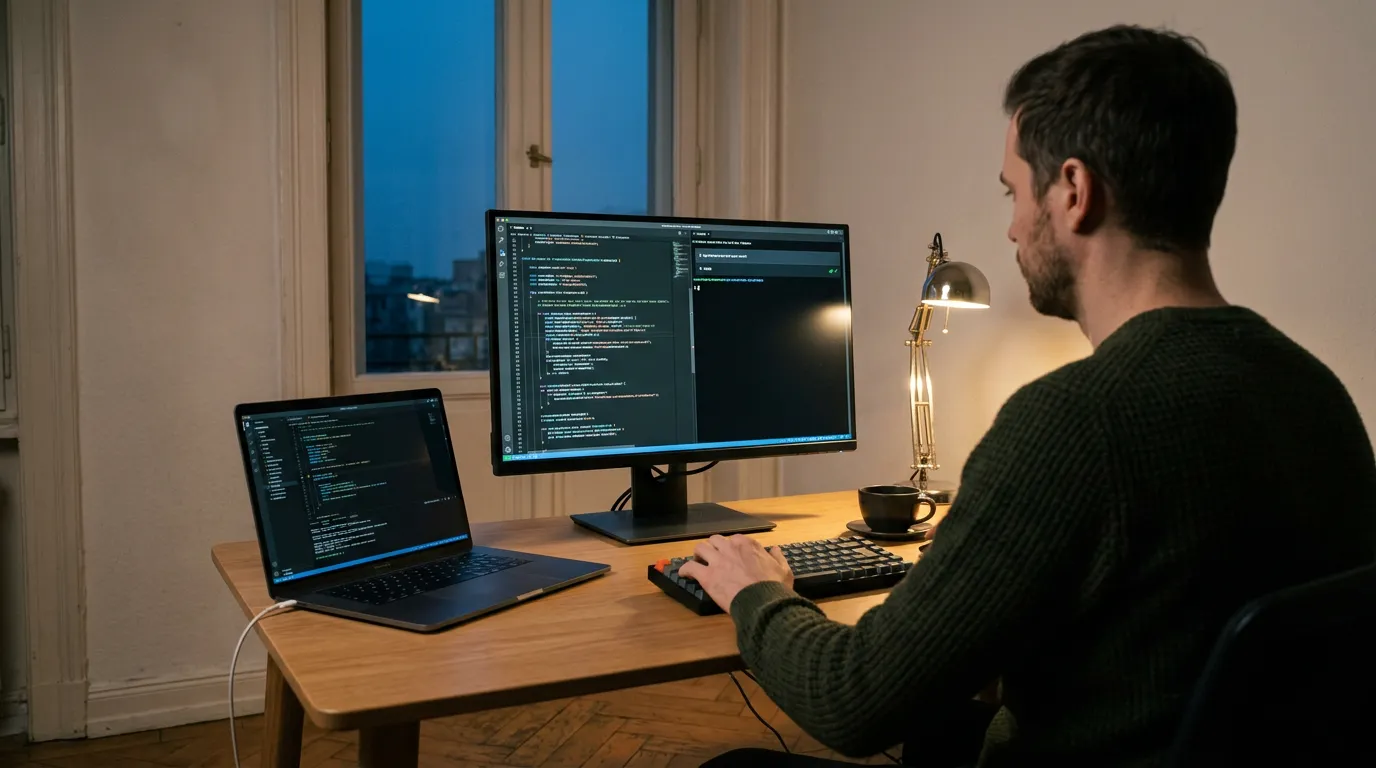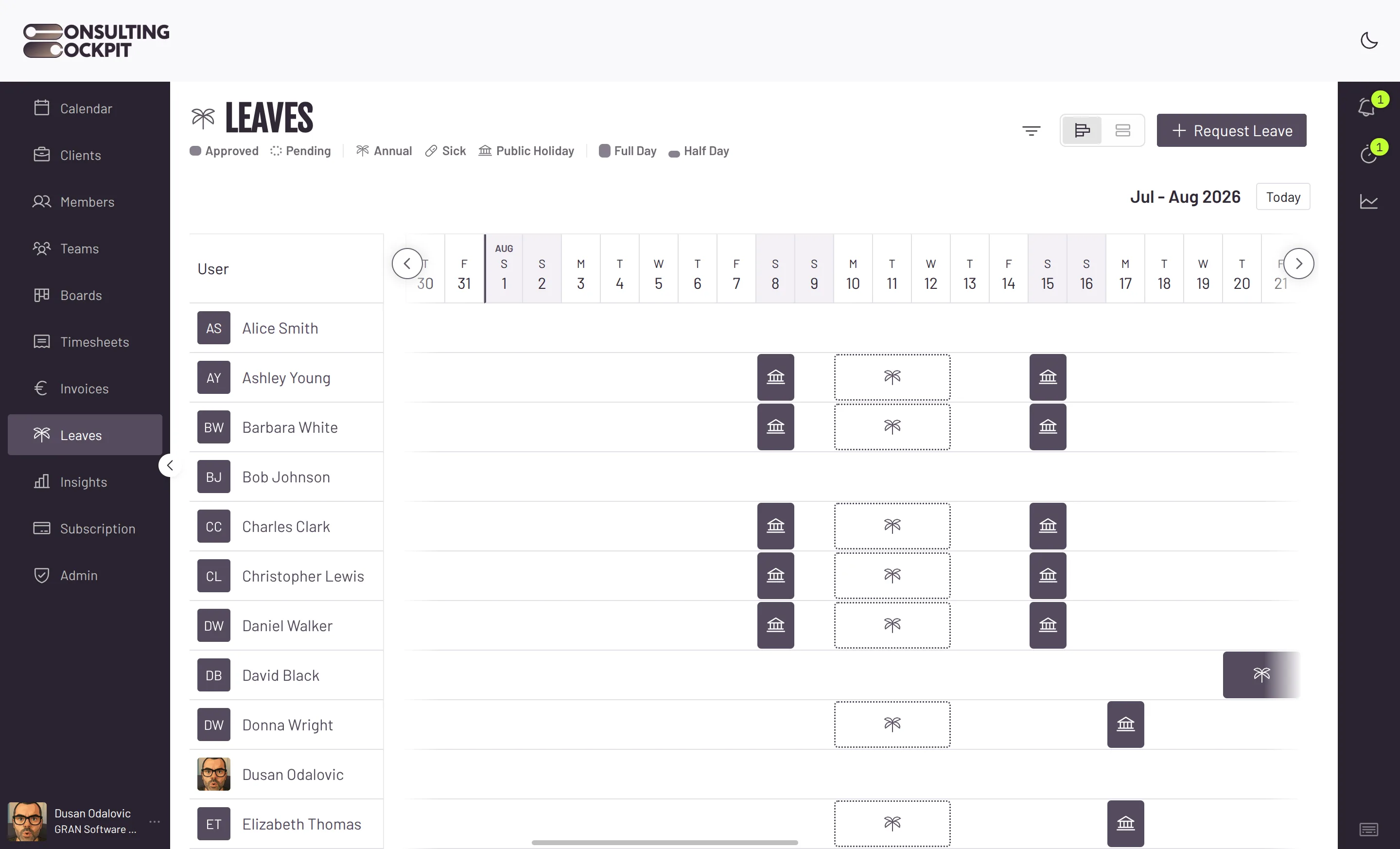
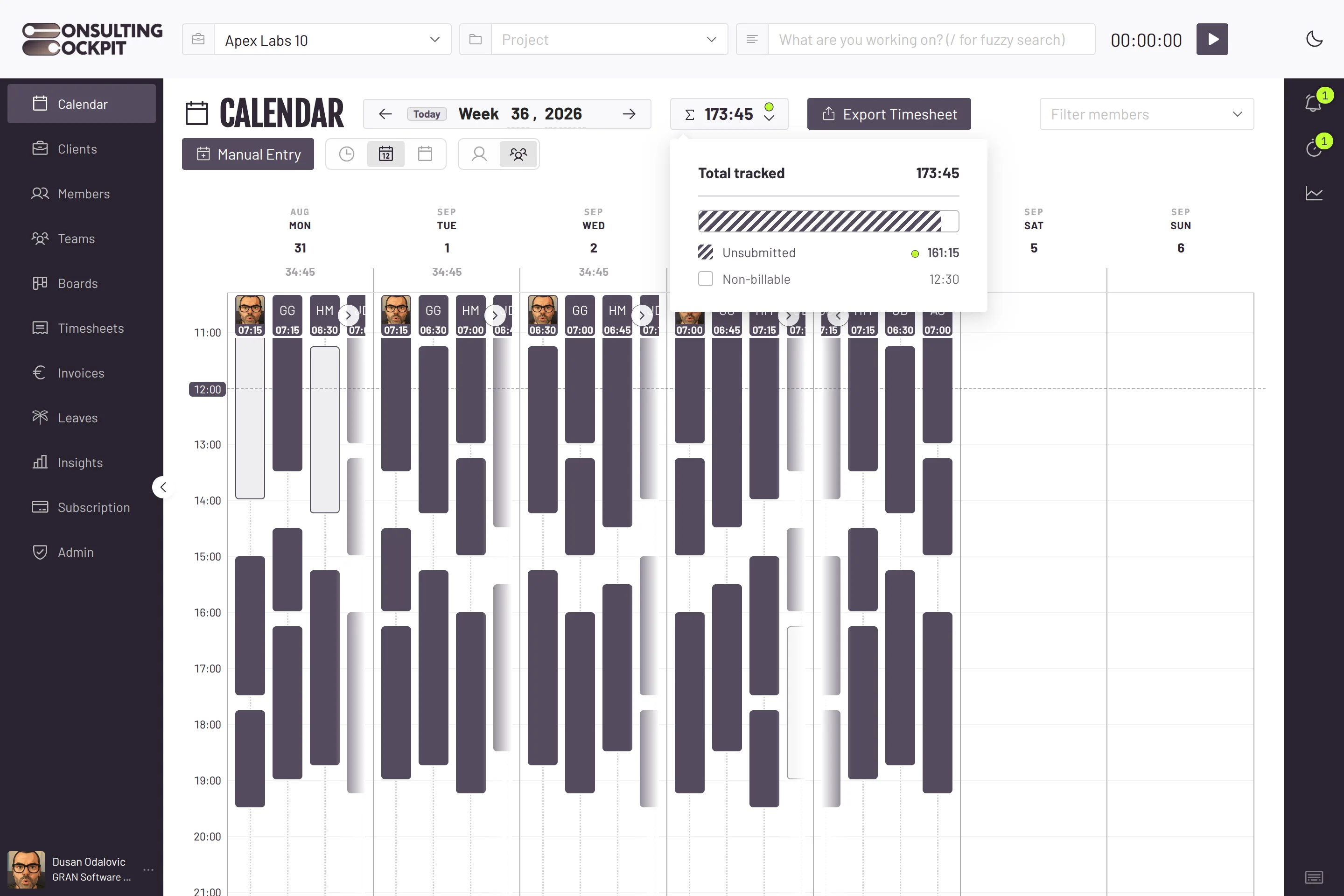
Connect Claude Code, Codex, Cursor, VS Code or any other AI app that can add an MCP server. Log time, check your leave and, as an owner, approve requests by asking in plain words. It works with the same rights you have in the app.
"Log 3 hours on Severn yesterday, code review." Change or delete an entry the same way.
"How many vacation days do I have left?" "I'm off next Friday." "Who is off on Monday?"
"Approve Ana's leave request." "Who hasn't finished September?" Members never see these tools.
Your assistant is the interface. It picks the right client and project from the name you say.
MCP is the standard AI assistants use to connect to apps. You set it up once.
In Settings, create a new key and pick the scope "AI assistants (MCP)".
The key window shows a ready text with the name, type, address and header. Paste it, or use the one-liner for Claude Code.
Ask "Who am I in Consulting Cockpit?". If it answers with your name and role, you are connected.
For Claude Code, one line:
claude mcp add --transport http consultingcockpit https://auth.consultingcockpit.com/public/mcp --header "Authorization: Bearer <your key>"
Works with
And any other app that can add an MCP server with a header.
Not yet: claude.ai, ChatGPT and Claude Desktop connectors, because they need a sign-in Cockpit doesn't offer yet.
The assistant acts as you. Nothing more.
It sees only what you see and can only do what you may do. Owner tools stay hidden from members.
Only the person who created a key sees it, co-owners included. A key has an expiry date and can be deactivated at once in Settings. If you leave the organisation, your keys stop working.
Cockpit keeps no readable copy. Lose it, and you deactivate the key and create a new one.
Normal use never gets close. More than that and the assistant is slowed down for a moment.
Entries made by an assistant are ordinary time entries, so Cockpit checks them like the ones you draw yourself, for example against overlaps and leave. See Time Tracking App and Leave Management
Real screens from the product — swipe or use the arrows.
Claude Code (tested by us), Codex, Cursor, VS Code with GitHub Copilot, Windsurf, Gemini CLI, OpenCode, Cline and any other app that can add an MCP server with its own header. The connectors in claude.ai, ChatGPT and Claude Desktop do not work yet.
Not yet. Their connectors need a sign-in that Consulting Cockpit does not offer, so use an assistant where you can set the address and header yourself.
No. Approving and rejecting leave, the list of open requests and the month-close status are for owners only. Members do not even see these tools.
Yes, your own time entries, the same as in the app. The assistant is told to ask you first, and you can ask it to check with you before anything else.
No. Searching time entries returns only your own, owners included. An owner can see who is off on a day and the open leave requests.
Cockpit itself stays on European servers. The assistant you pick sees what it asks for in your name, so check that provider's terms.
Create a key, paste one text into your assistant and log your first hours by asking. Free for 30 days.